How to organise your thoughts when your head feels full
- Get everything out first, by talking or writing for five minutes.
- Sort it into things to do, decisions, ideas and questions.
- Pick one next step per area. It works when the list starts to feel finite.
Get everything out first, then sort it. Most people try to organise while it's all still in their head, which is a bit like tidying a room with the lights off. Once it's out, sorting it into a few kinds (things to do, decisions, ideas and open questions) is surprisingly quick.
A full head usually isn't full of anything dramatic. It's thirty small things: an email to send, a decision about the weekend, something you're worried about, the half-idea from the train. None of them is hard on its own. Together they take up all the room, and your mind keeps cycling through them in case one gets dropped.
The fix is boring and reliable. Move them somewhere outside your head, then deal with them there.
Get it all out
Give it five minutes. Say or write everything that's on your mind, without judging it or putting it in order. Talking is quicker for most people, and it has a useful side effect: because you don't stop to edit, things come up that you hadn't realised were bothering you. Keep going a little past the point where you think you've finished. The last minute often turns up the thing that mattered.
Then sort it
- Things to do. Anything with a next action, however small.
- Decisions. Choices you're carrying around but haven't made.
- Ideas. Things to explore when there's time.
- Questions. What you don't know yet, and who might.
Group them by area, whether that's work, a particular project or home, and choose one next step in each. Not a plan. One step.
How you know it worked
The surest sign is that the list feels finite. A head full of open loops feels endless until you count what's in it, and then it turns out to be twenty-odd things, most of which can wait.
A head full of open loops feels endless until you count what's in it.
A worked example
Here's what a five-minute dump might look like on an ordinary Monday, and where each item lands.
- "Reply to Sam about the contract" → a thing to do.
- "Should we move the launch to spring?" → a decision.
- "Book the dentist" → a thing to do.
- "Podcast idea: interview early customers" → an idea.
- "Does the new plan cover travel?" → a question (and who knows: HR).
- "Worried the team's stretched" → a decision hiding as a worry: do we hire, delay or cut scope?
Grouped by area, that's work (contract, launch, team), personal (dentist) and later (podcast). One next step each: reply to Sam today, put the launch question on Thursday's agenda, book the dentist. Everything else is parked, written down, and no longer needs carrying.
Common mistakes
- Sorting while you dump. Get it all out first; stopping to sort is how half of it stays in your head.
- Making a plan for everything. One next step per area is enough. Plans come later, for the things that need them.
- Too many categories. Four piles are plenty. Twelve categories is another form of overwhelm.
- Not parking the rest. If it isn't written down somewhere you trust, your mind keeps holding on to it.
- Only doing it in a crisis. A short weekly dump keeps the list from building up in the first place.
Different ways to use it
- Founders: a Monday-morning dump before opening email. Decisions go straight onto the week's agenda.
- Students: before revision starts, dump every topic and worry, then turn the topics into a timetable and the worries into questions for your tutor.
- Teams: a five-minute group dump at the start of a planning meeting surfaces what everyone's carrying before you prioritise.
If a full head is affecting your sleep or wellbeing for more than a little while, it's worth talking to a GP or another professional. A brain dump helps you organise; it isn't a substitute for support.
Prefer paper? Here's a one-page sheet: a box for the dump, the four piles, and one next step per area.
Do the sorting as you talk
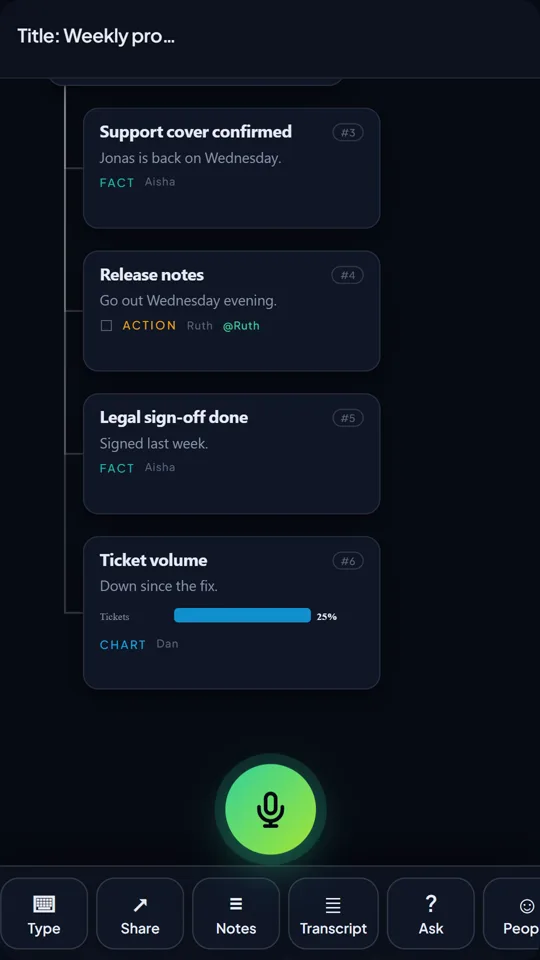
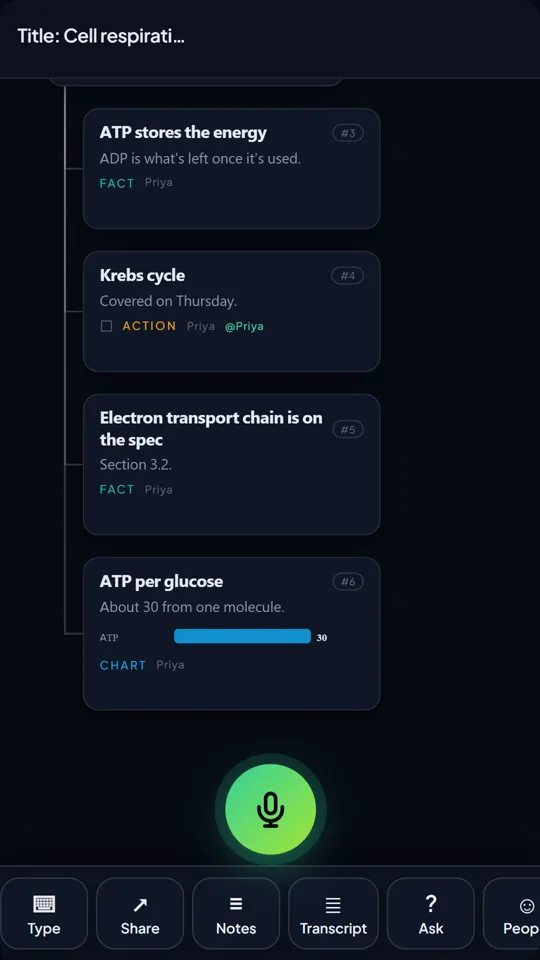
Brain dump into TalkGraph and the sorting step happens while you speak. Each point lands on a map as an action, a decision, an idea or a question, under the topic it belongs to, so by the time you stop talking the four piles are already there.
Actions keep their owner, and every open action from all your maps gathers in one list, so the next steps from today's dump sit with last week's. Ideas you keep coming back to strengthen in your Brain over time, which shows you what's really taking up your headspace.
Questions people ask
How do I organise my thoughts when I'm overwhelmed?
Get everything out of your head first, by talking or writing for five minutes without filtering. Then sort it into things to do, decisions, ideas and questions, and choose one next step per area.
What is a brain dump?
Writing or saying everything on your mind in one go, without sorting it first, so you can see it all and decide what to do with it.
How often should I do a brain dump?
Whenever your head feels full, and ideally a short one each week, so things don't build up.
Is it better to write or talk a brain dump?
Either works. Talking is quicker for most people and stops you editing as you go, which tends to surface more.
TalkGraph maps what you say as you speak and asks you the next question. Free to try, no sign-up.

Klevis is the founder of TalkGraph, which he built and shipped solo. He has a First Class MSc in Computing and Information Systems, and writes about thinking, learning and tools that help people think rather than think for them.
LinkedIn →