AI meeting notes and minutes, mapped as you talk.
Most AI notetakers hand you a wall of text nobody reads. TalkGraph draws your meeting as a living map while you talk. Every decision, action and owner connected and attributed, and every meeting joins a Brain you can ask later.

The problem with meeting notes
An hour-long meeting produces hundreds of spoken points, and a transcript that flattens all of them into an unreadable scroll. Decisions hide between small talk. Actions lose their owners. A week later, nobody can prove who committed to what.
Worse, every meeting starts from zero. Last week's open actions, last month's decisions, the reasoning behind them, all evaporated. Teams don't have a memory problem; they have a format problem. Notes are disposable. Knowledge should compound.
How it works
- 1Speak naturally
Start talking with your microphone, or capture a call's tab audio mixed with your mic. Deepgram transcription with speaker diarization separates every voice live.
- 2Watch the map build
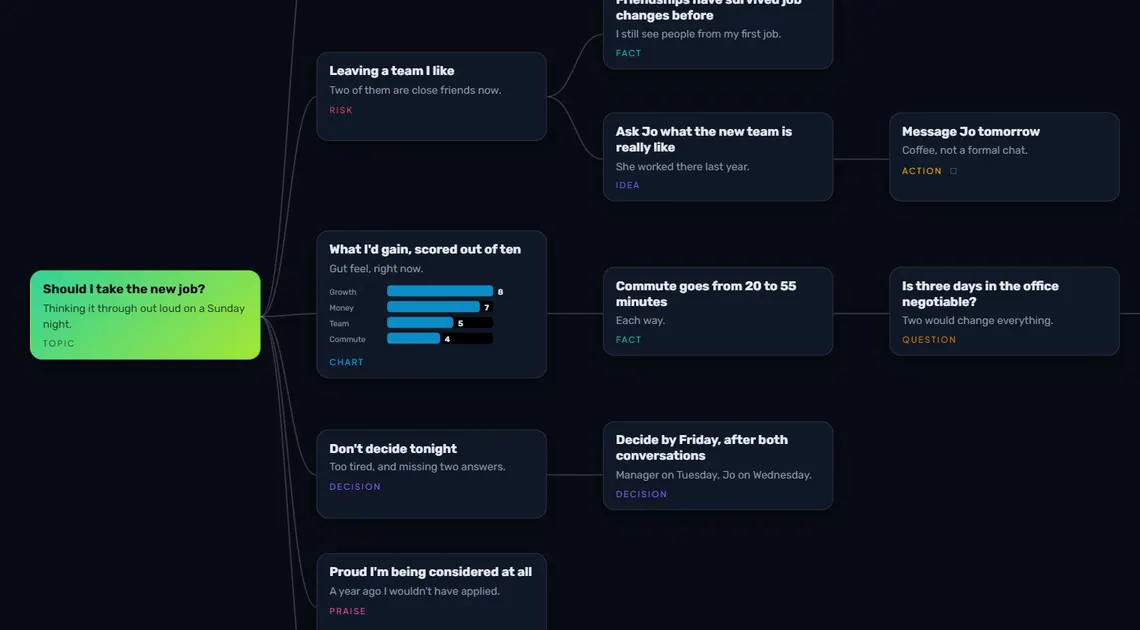
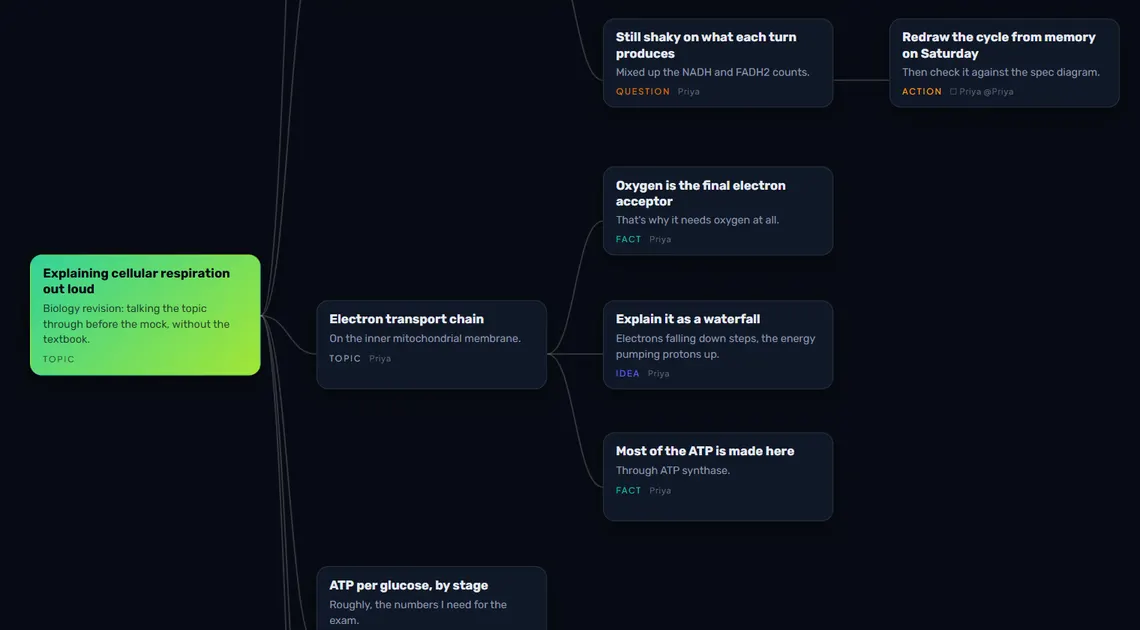
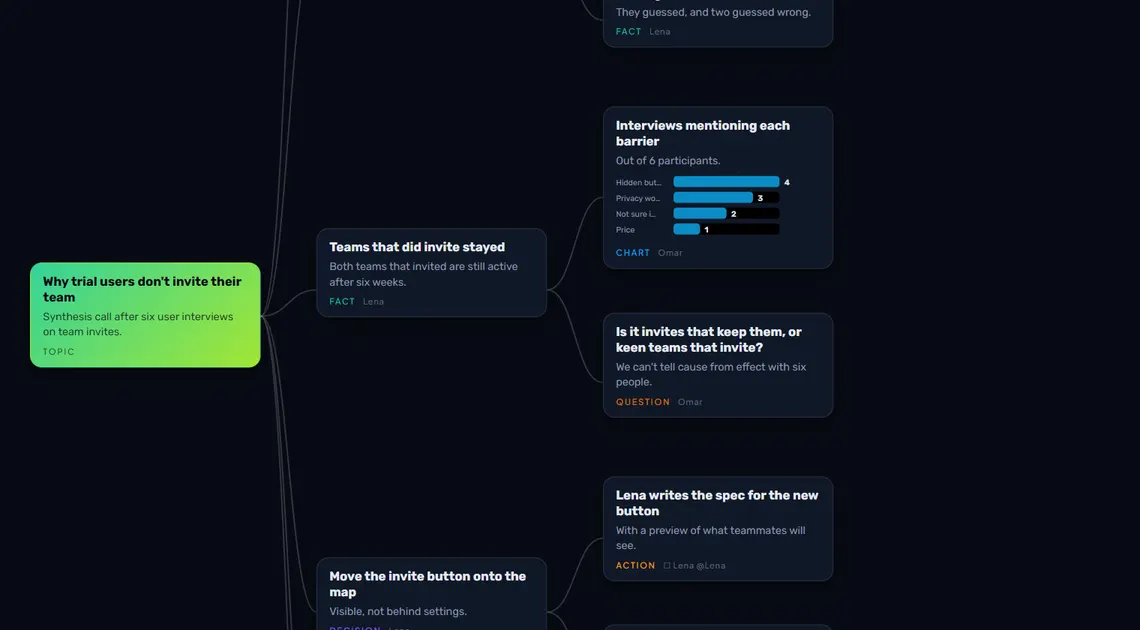
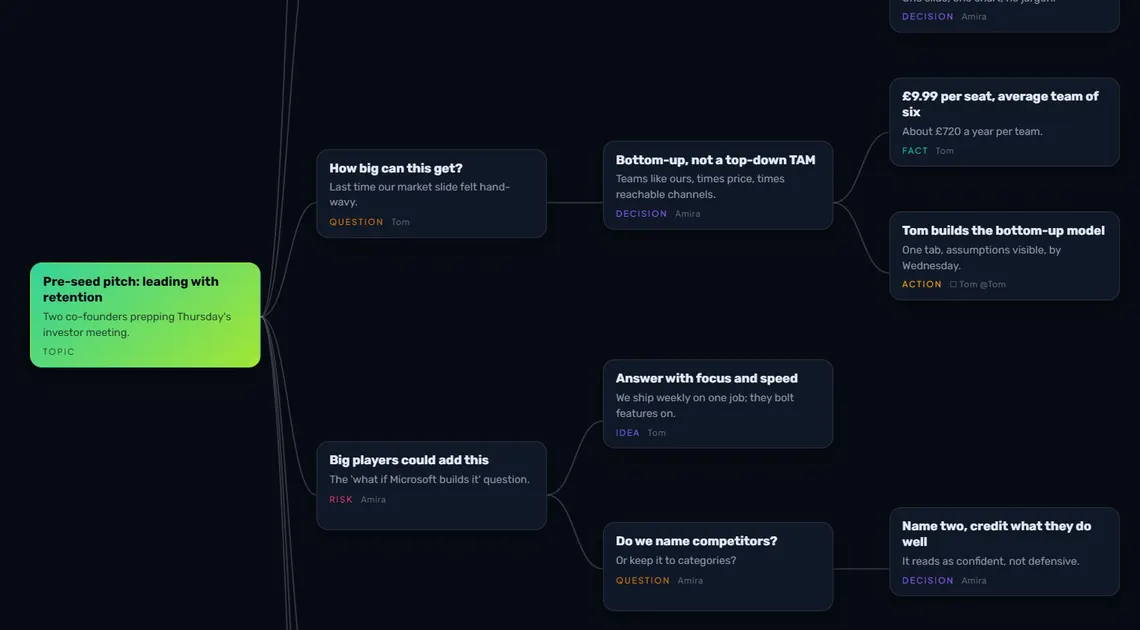
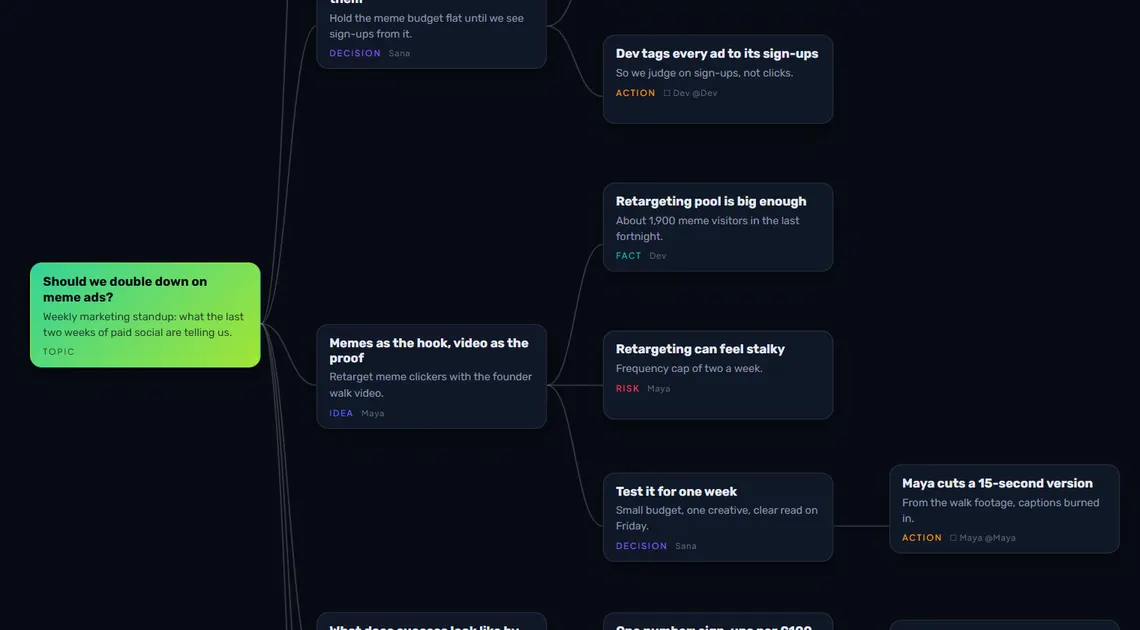
TalkGraph structures the conversation into typed cards (decisions, actions, questions, risks, praise), each attached to the right branch and the right person, in real time.
- 3Leave with the record
Open Notes and the session is written up: a summary, decisions, actions with owners, open questions and who contributed what. One more press drafts the follow-up email. The full transcript is there to download too.
- 4Compound it
The meeting commits to your Brain, a cross-meeting knowledge constellation. Revisited ideas strengthen. Next meeting starts from everything you already knew.
Built for how meetings actually run
Every card carries its speaker. Tasks have owners, praise has recipients, and the People panel tallies who contributed what, so you get review-ready records instead of vague memories.
Action cards are typed, amber, and owned by name. Ask the map later "what did Maya commit to?" and get a straight answer.
From the Notes write-up, one press drafts the follow-up: greeting, summary, bulleted decisions, actions per owner and open questions. You read it, edit it and send it.
Share a read-only link after the meeting so anyone can explore the map. Re-sharing makes a fresh link and the old one stops working.
Drop in old Teams/Zoom transcripts (VTT, TXT, PDF) and map the backlog. The whole history of a team's meetings is addressable value, not just the next one.
Everyone can join the discussion. Decisions, actions and open questions are captured as typed cards while you talk, so the minutes are written by the time the meeting ends.
Live transcription separates every speaker, and you can download the full transcript as a text file alongside the map, the Notes write-up and a Markdown or PDF export.
Capture runs from your browser: mic, or tab audio mixed with mic. No awkward "Notetaker Bot has joined the meeting" moment.
Frequently asked questions
How is TalkGraph different from Otter or Fireflies?
Transcript-first tools give you searchable text. TalkGraph gives you structure: a connected map of decisions, actions, questions and risks with named owners, plus a cross-meeting Brain that makes every future meeting smarter. Text is disposable; the map compounds.
Does a bot join my call?
No. TalkGraph captures audio from your own browser: your mic, or the call's tab audio mixed with your mic via Web Audio. Nobody else in the meeting sees anything.
Can it map meetings I already recorded?
Yes. Import VTT, TXT or PDF transcripts and TalkGraph structures them retroactively, which is useful for mapping a whole backlog of past meetings.
Who said what, and how accurate is the attribution?
Deepgram Nova-3 diarization separates speakers live, and you map voices to names once per session. From then on every card carries its speaker, and tallies build automatically.
Can TalkGraph take meeting minutes?
Yes. It captures decisions, actions with owners and open questions live, and the Notes write-up turns them into minutes you can download or send. Notes is a flat 5 nodes; drafting the follow-up email from them is free.
Do I get a transcript of the meeting?
Yes. TalkGraph transcribes live with speakers separated, and you can download the full transcript as a .txt file at any time.
Do the other people on the call know they're being mapped?
That is yours to tell them, and the law where you are may require it. While capture is running, TalkGraph shows a persistent on-screen notice reminding you to let everyone on the call know, and no bot joins the call to announce itself, so the telling is yours to do. Colleagues' names and words are stored with the map as part of your content, they go to our transcription and AI providers only to build the map, and they are never used to train models. The privacy policy sets out the detail, including how a participant can ask for their words to be removed.
More answers in the TalkGraph FAQ. Why we built it: the problem with AI notes. How it compares: TalkGraph vs Otter.ai, TalkGraph vs Granola, TalkGraph vs NoteGPT, TalkGraph vs Mapify, TalkGraph vs Voicenotes, TalkGraph vs Evernote, TalkGraph vs OneNote, TalkGraph vs Google Keep, TalkGraph vs Apple Notes, TalkGraph vs ChatGPT.
More use cases
Say it out loud. Map it now.
Free to start, no card needed.
Map your next meeting